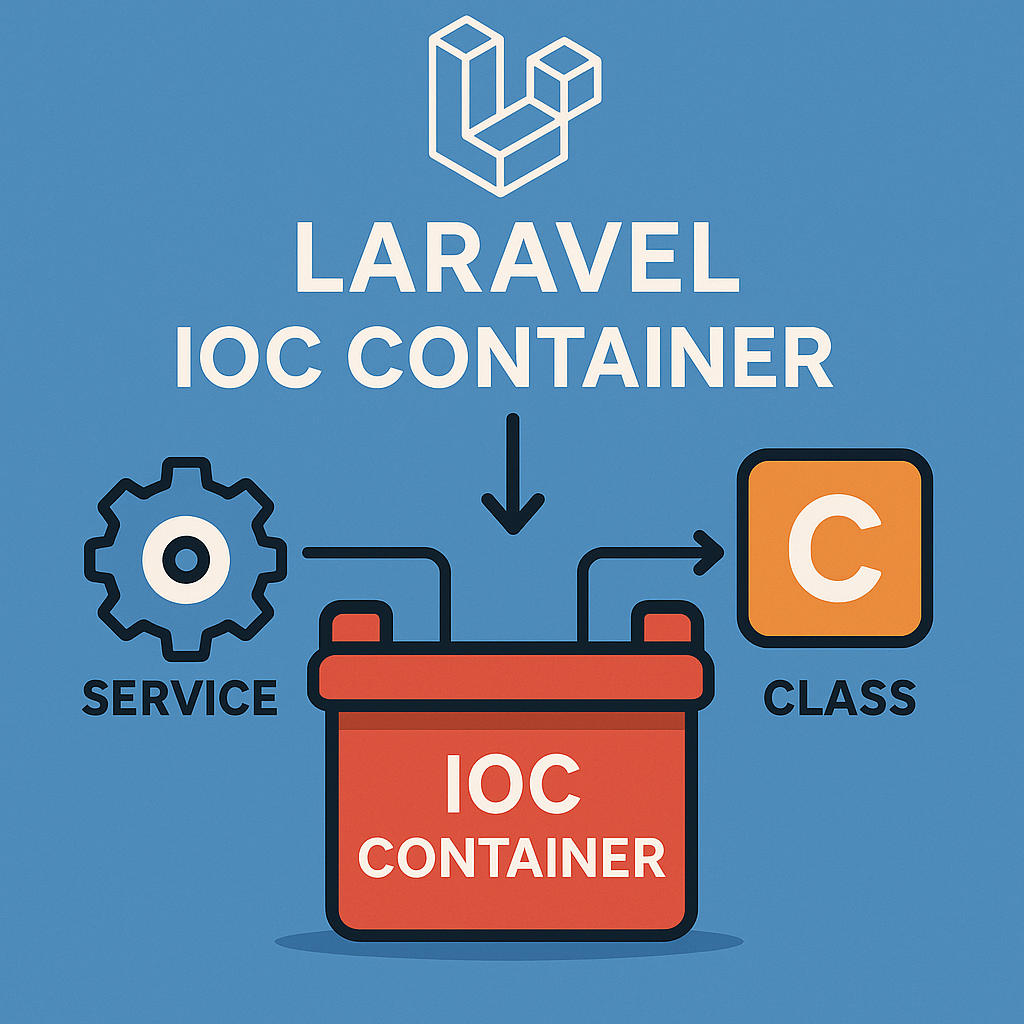
Binding Dependencies with Custom Parameters
Laravel's IoC container is a powerful tool for managing class dependencies. In this guide, we'll explore how to bind a service to the container while providing custom parameters at registration time.
The Problem
When creating service classes, you often need to provide configuration parameters or dependencies during instantiation. Hard-coding these values inside your service limits flexibility and testability.
The Solution: Service Providers with Custom Parameters
We'll demonstrate this concept by implementing a simple SMS service that requires an API key to function.
1. Creating the SmsService Class
First, we'll create a service class that accepts a parameter through its constructor:
<?php

namespace App\Services\Sms;

readonly class SmsService
{
    public function __construct(private string $apiKey)
    {
    }

    public function sendSms(string $phone, string $message): string
    {
        // Here you would typically use an SMS gateway API to send the SMS.
        // For demonstration purposes, we'll just return a success message.
        return "SMS sent to $phone with message: $message using API key: ". $this->apiKey;
    }
}
Notice how the service requires an $apiKey parameter but doesn't know where it comes from. This separation of concerns is key to dependency injection.
2. Creating a Configuration File
To avoid hardcoding the API key, we'll store it in a configuration file:
<?php

return [
    'api_key' => env('SMS_API_KEY', 'your_default_api_key'),
];
This file (config/sms.php) allows us to define configuration values that can be environment-specific.
3. Binding with Custom Parameters
Here's where the magic happens. We'll create a service provider that binds the SmsService to the container while providing the API key:
<?php

namespace App\Services\Sms;

use Illuminate\Support\ServiceProvider;

class SmsServiceProvider extends ServiceProvider
{
    /**
     * Register any application services.
     *
     * @return void
     */
    public function register(): void
    {
        $this->app->singleton(SmsService::class, function ($app) {
            // Resolve custom parameters from configuration
            return new SmsService(
                config('sms.api_key')
            );
        });
    }
}
The key aspects of this binding are:
- We use the
singletonmethod to ensure only one instance is created - We provide a closure that receives the application instance
- Inside the closure, we resolve the custom parameter (API key) from config
- We instantiate the service with this parameter
4. Registering the Service Provider
To activate this binding, register the service provider in bootstrap/providers.php:
<?php

return [
    App\Providers\AppServiceProvider::class,
    // ... other providers
    App\Services\Sms\SmsServiceProvider::class,
];
5. Setting Environment Variables
Add the necessary environment variables to your .env file:
SMS_API_KEY=your_actual_api_key_here
6. Using the Service
Now you can use the service throughout your application without worrying about how to instantiate it or where the API key comes from:
<?php

namespace App\Http\Controllers;

use App\Services\Sms\SmsService;

class SmsController
{
    public function injectToController(SmsService $smsService)
    {
        $smsService->sendSms(
            request('phone'),
            request('message')
        );
    }

    public function resolveFromContainer()
    {
        $smsService = app(SmsService::class); // or $smsService = resolve(SmsService::class);

        $smsService->sendSms(
            request('phone'),
            request('message')
        );
    }
}
Key Benefits of This Approach
- Separation of Concerns: Your service class doesn't need to know where its configuration comes from
- Testability: You can easily provide different parameters during testing
- Configuration Centralization: All service parameters are managed in configuration files
- Environment Flexibility: Different environments can use different parameter values
- Clean Dependency Injection: Classes that need the service can simply type-hint it
When to Use This Pattern
This pattern is especially useful when:
- A service requires configuration values or credentials
- You want to avoid hard-coding dependencies
- You need different parameter values in different environments
- You're building reusable services that should be configurable
By binding dependencies with custom parameters, you create more flexible, testable, and maintainable applications.
7. Testing the Service
Testing a service with injected parameters is straightforward. Here's how to write tests for our SMS service using Pest:
<?php

use App\Services\Sms\SmsService;

test('sms service is bound to container', function () {
    $smsService = app(SmsService::class);

    expect($smsService)->toBeInstanceOf(SmsService::class);
});

test('sms service uses config api key', function () {
    // Set a test API key in the config
    config(['sms.api_key' => 'test_api_key_for_unit_test']);

    $smsService = app(SmsService::class);
    $result = $smsService->sendSms('1234567890', 'Test message');

    expect($result)->toContain('test_api_key_for_unit_test');
});

test('send sms returns expected message', function () {
    $smsService = app(SmsService::class);

    $phone = '1234567890';
    $message = 'Hello, this is a test message';

    $result = $smsService->sendSms($phone, $message);

    expect($result)
        ->toContain("SMS sent to $phone")
        ->toContain("with message: $message");
});
These tests demonstrate the benefits of our approach to binding with custom parameters:
- The first test verifies that our service is properly bound to the container
- The second test shows how we can override configuration values during testing
- The third test confirms the actual functionality of the service
Because our service receives its API key through dependency injection and the container binding, we can easily manipulate this value during testing without modifying the service class itself.