Attaching Nuxt Project to Local .test Domain
Step-by-step guide to configure your Nuxt project to run on a custom local domain using Vite and Nuxt config.
View code examples in Pull Request #files View Code
Introduction
Running your Nuxt project on a custom local domain (like howwedoit.test) can make development and testing easier, especially when working with cookies or OAuth flows. This guide walks you through the process using the example Nuxt project configuration below.
Step 1: Update Nuxt Config
In your nuxt.config.ts, set the Vite server options:
vite: {
  server: {
    host: 'howwedoit.test',
    port: 3000,
    hmr: {
      protocol: 'ws',
      host: 'howwedoit.test',
    },
    allowedHosts: ['howwedoit.test'],
  },
},
Step 2: Update Your Hosts File
Add the following line to your hosts file:
- macOS/Linux:
/etc/hosts - Windows:
C:\Windows\System32\drivers\etc\hosts
127.0.0.1 howwedoit.test
Step 3: Start Your Nuxt Project
Run your Nuxt project as usual:
npm run dev
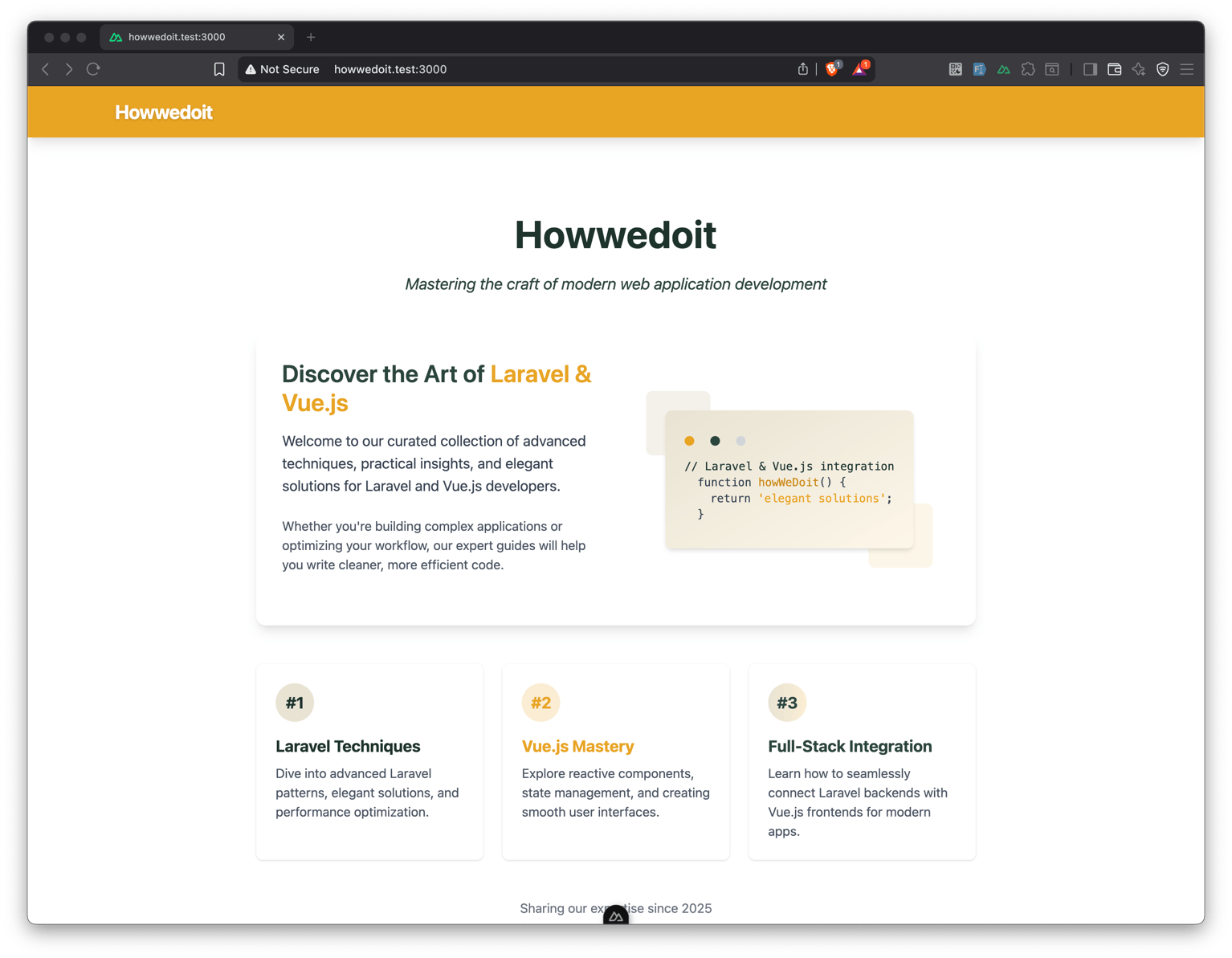
Visit http://howwedoit.test:3000 in your browser.
Conclusion
You now have your Nuxt project running on a custom local domain, making development more seamless and realistic.